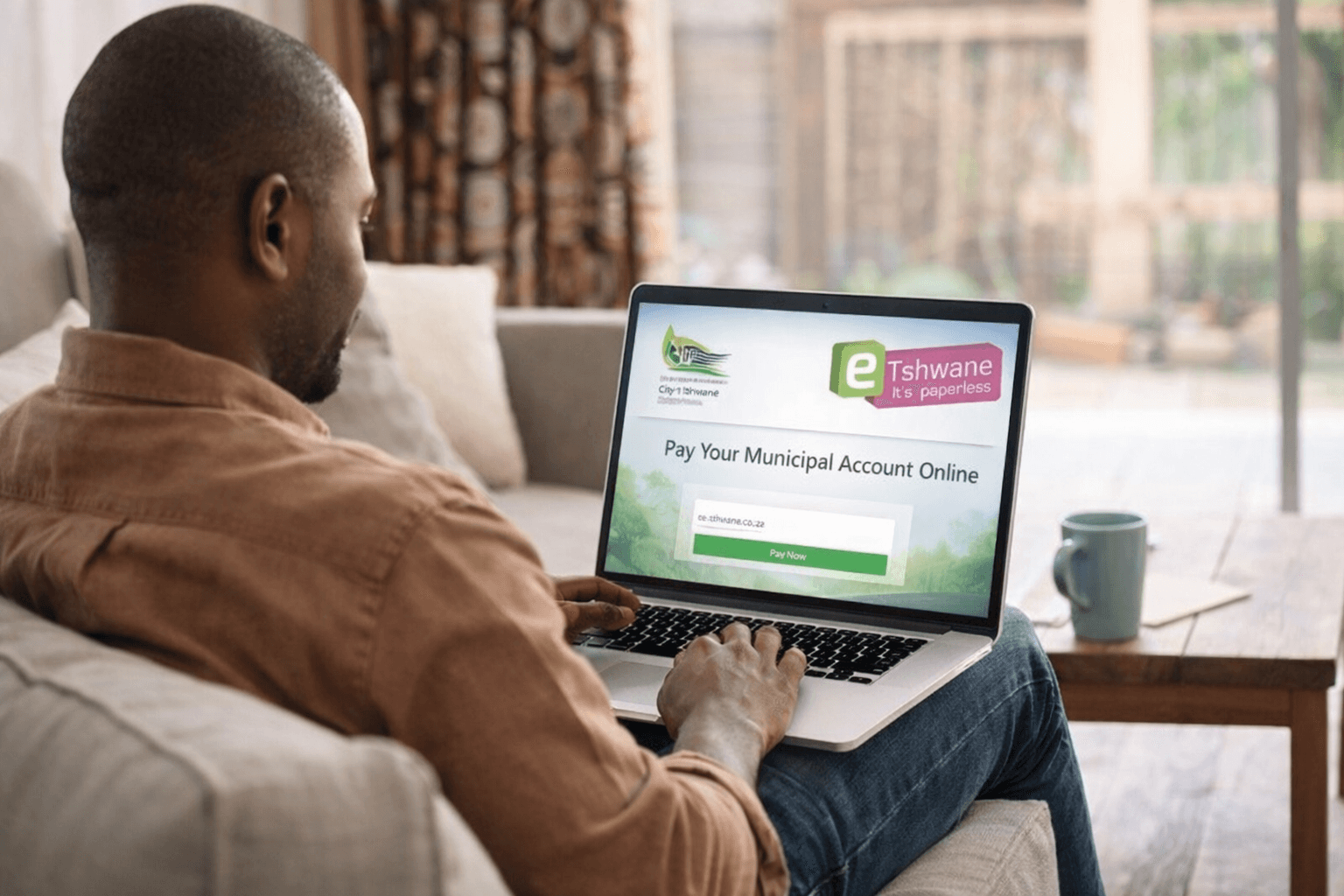
Paying your municipal account has never been easier. With the secure and efficient e-Tshwane platform, you can settle your bill online without hassle. This guide explains how to pay your municipal account online using e-Tshwane, the only payment method directly integrated with the City of Tshwane’s systems.
Why Use e-Tshwane to Pay Your Municipal Account?
Paying through e-Tshwane offers several benefits:
- Real-time updates: Your payment reflects immediately in the City’s system.
- Proof of payment: Electronic receipts are generated and stored.
- No human error: Eliminates manual reference input and misallocated payments.
- Fast reconnection: Services are reconnected within 4 hours if you’ve been disconnected.
- Cost-effective for the City: Helps reduce administrative burden and improves service delivery.
Avoid Payment Delays and Errors
Payments through third-party platforms or bank EFTs can take up to 14 days to reflect. That delay can result in unwanted disconnections or penalties. e-Tshwane prevents this with instant electronic referencing.
ALSO READ: How to Use e-Joburg to Pay Your Municipal Bills
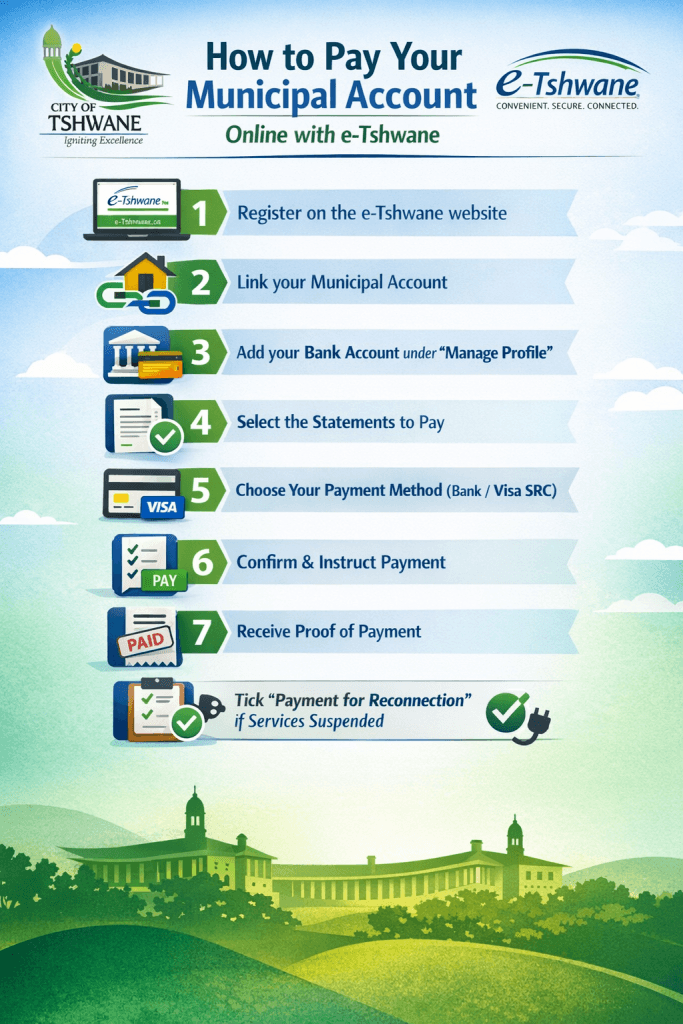
Step 1: Register on e-Tshwane
To use e-Tshwane, you need a registered profile. Here’s how:
- Visit e-Tshwane.co.za
- Click on “Register.”
- Enter your personal or business details.
- Confirm your account via email or SMS.
Step 2: Link Your Municipal Account
Once registered, link your municipal account:
- Log in to e-Tshwane.
- Go to “Accounts” > “Account Manager.”
- Enter your municipal account number.
- Confirm and save.
Step 3: Add Your Bank Account for Payments
Before you pay, link your bank account:
- Select “Manage Profile” > “Banking Information.”
- Click “Add New.”
- Fill in your banking details.
- Click “Update.”
Your bank account is now ready for instructed debit payments.
Step 4: Make a Payment via e-Tshwane
To make a payment:
- Go to “Accounts” > “Account Manager.”
- Select the statement(s) you want to pay.
- Click “Pay Accounts.”
- Choose your linked bank account.
- Confirm payment amount and authorise.
Your bank processes the payment, and e-Tshwane updates your profile immediately.
ABSA Users: Use ABSA CreditPush
ABSA customers can benefit from CreditPush integration:
- Select ABSA as the bank.
- Choose either Internet Banking (AOL) or CashFocus/Business Integrator.
- Confirm the amount.
- Enter your ABSA user number or group/operator number.
- Log in to ABSA Banking and release the payment.
Benefits for ABSA Users
- Full integration between e-Tshwane and ABSA
- Immediate account update and proof of payment
- Reconnection within 4 hours if selected
Standard Bank Users: Use MyBills
If you bank with Standard Bank, use MyBills to pay:
Add e-Tshwane to MyBills:
- Log in to Standard Bank Internet Banking.
- Click on “Payments” > “MyBills.”
- Add e-Tshwane Metropolitan Municipality.
Pay Your Bill:
- Select the e-Tshwane bill.
- Enter reference and confirm the amount.
- Authorise payment.
Your e-Tshwane account updates once payment is complete.
ALSO READ: Electricity Tariffs in Ekurhuleni Explained: What Residents Will Pay and How to Manage Costs in 2026
Visa Secure Remote Commerce (SRC) Option
If you use a Visa credit or debit card, you can pay via Visa SRC.
How to Pay Using Visa SRC:
- In “Account Manager,” select the bill.
- Click “View” > then “Pay.”
- Choose “Visa SRC” as the payment method.
- Log in with your Visa SRC credentials.
- Select your card and confirm.
The system updates the payment status once it goes through.
Security and Peace of Mind
e-Tshwane ensures your data and funds are secure. Since the platform doesn’t automatically debit your account, you have full control over payments. You instruct payments monthly, which adds an extra layer of security.
Fast Reconnection of Services
If you have been disconnected due to non-payment:
- Tick the box labelled “Payment for Reconnection” before paying.
- The City will reconnect your service within 4 hours of confirming the payment.
Consolidated Payment History
All payments and statements are stored on your profile:
- No need to keep paper receipts.
- Access up to two years of history.
- Helps with record keeping and dispute resolution.
Supported Banks and Cards
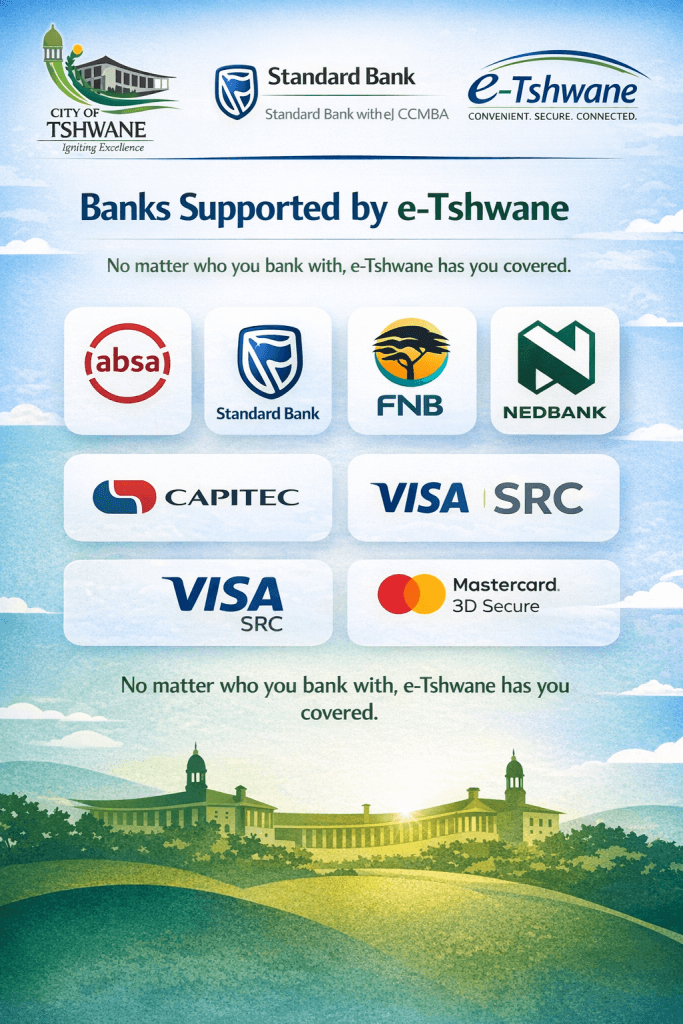
e-Tshwane supports all major South African banks. It also accepts 3D Secure Visa and MasterCard payments.
- ABSA
- Standard Bank
- FNB
- Nedbank
- Capitec (via debit pull)
ALSO READ: How to Use the City of Ekurhuleni’s Siyakhokha Portal
Frequently Asked Questions (FAQs)
Can I schedule monthly automatic payments?
No. For security reasons, payments must be instructed manually each month.
What if I pay through my bank and not e-Tshwane?
Your payment might take up to 14 days to reflect. You also risk delays or incorrect referencing.
What if my payment is declined?
If your bank declines the payment, e-Tshwane reverses it and updates your account accordingly.
Is there a mobile app for e-Tshwane?
Currently, e-Tshwane operates through a mobile-friendly web portal. No app is required.
Learning how to pay your municipal account online using e-Tshwane saves time, eliminates errors, and ensures faster service. With secure integration, proof of payment, and real-time account updates, e-Tshwane is the most reliable way to manage your City of Tshwane bills.