
Step-by-step guide to accessing your Nedbank Money app credit score at no cost – stay on top of your financial health today.
Getting a handle on your credit score is key to unlocking better loan terms and financial peace of mind. Luckily, the Nedbank app puts this vital tool in your pocket, allowing you to check your credit score for free and as often as you like. In this detailed guide, we’ll walk you through the steps—from downloading the app to interpreting your score and using the insights to boost your credit rating.
Why You Should Check Your Credit Score
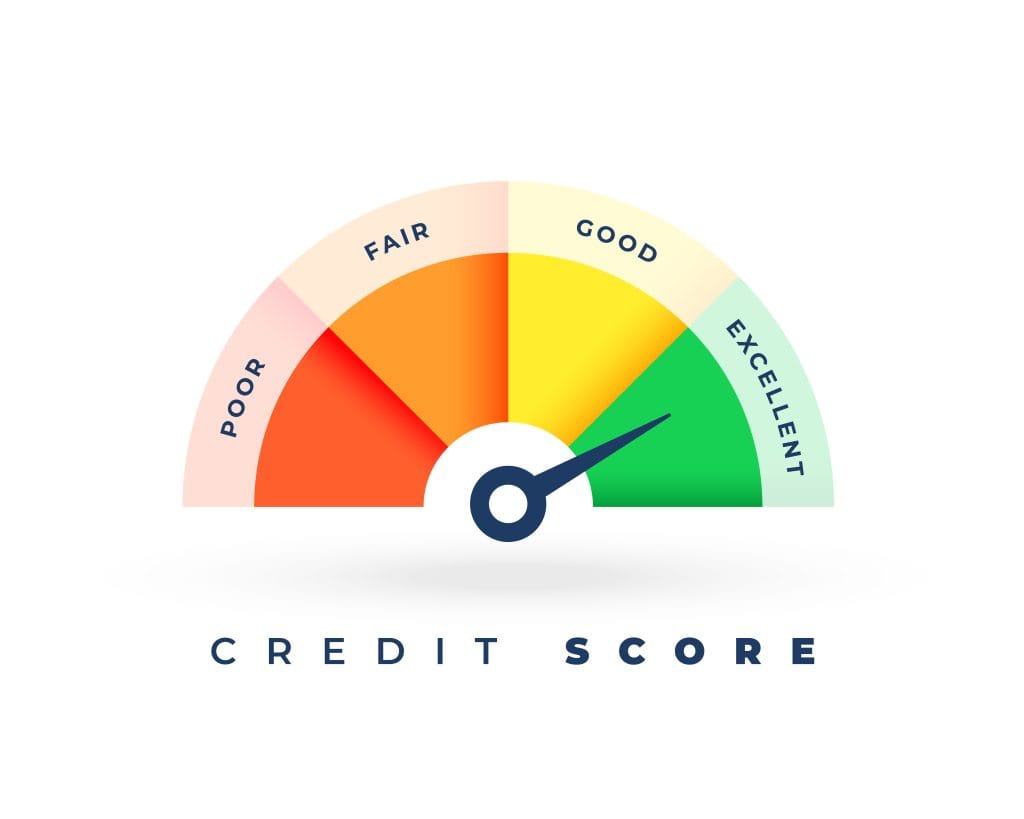
Your credit score (generally ranging between 520 and 730 on Nedbank’s scale ) reflects how responsibly you manage debt. A higher score signals lower credit risk, meaning you’re more likely to qualify for loans or credit cards—and at better rates. Nedbank partners with Experian to deliver reliable, up-to-date data via the Money app. Checking your score via the app uses a soft enquiry, so it won’t impact your rating.
ALSO READ: How to Retrieve Electricity Token on The Capitec App: A Guide
Prerequisites
Before you begin, make sure you have:
- A South African ID or passport
- A registered South African mobile number
- Nedbank account credentials (online banking)
Non-Nedbank clients may also soon be able to access, so stay on the lookout.
How to Check Your Credit Score on the Nedbank App
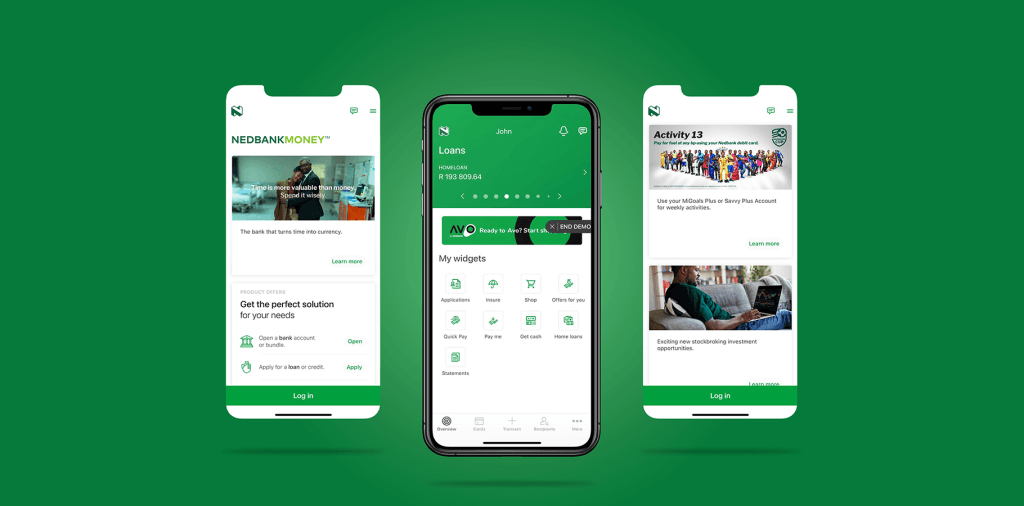
Step 1: Download and Install the Nedbank Money App
The Nedbank Money app is available for both iOS and Android devices and has over 5 million downloads. For added security and convenience, you can enable biometric login such as Touch ID or Face ID once installed.
Step 2: Log In or Register
Open the app and log in using your Nedbank credentials. If you’re a new user, you can register directly within the app—no need to visit a branch.
Step 3: Navigate to the Financial Wellness Section
Once logged in, locate the Financial Wellness tile—sometimes labelled as “Credit Score”—on the app’s main menu. This is where you’ll access your credit score tools.
Step 4: Tap on “Your Credit Score”
Select the “Your Credit Score” feature and grant the required permission to retrieve your credit information via Experian. Your score will then be displayed on-screen, and you’ll have monthly access going forward.
Step 5: Review the Score Summary and Insights
After viewing your score, the app provides a breakdown of key factors influencing it—such as your repayment history, credit utilisation, and recent credit enquiries. You’ll also get personalised tips to help you improve or maintain your score.
Understanding Your Score & What Affects It
- Score range: 520–730.
- Good score (730+): responsible credit management.
- Average to low: potential red flags for lenders.
Primary factors that can hurt your score:
- Late or missed payments
- Excessive credit usage (>50%)
- Too many credit applications
- Court judgments or defaults
Tips to improve your score:
- Pay on time, every time
- Keep credit usage below 50%
- Avoid multiple credit checks in a short span
- Clear defaults or judgments quickly
Benefits of Checking Frequently
- Instant insights: soft-checks don’t harm your rating
- Monthly updates: track credit behaviour over time
- Proactive management: learn and act on score-affecting behaviours
Frequently Asked Questions
Q: Will checking affect my credit score?
A: No—this is a soft enquiry and won’t impact your rating.
Q: How often can I check?
A: As often as you like—unlimited free check-ins.
Q: What if I don’t see a score?
A: If you have minimal credit history, your score may not be generated. Building history through small credit lines can help.
ALSO READ: Best Finance Apps to Track Spending on Android & iOS
- Set a monthly reminder to check your score.
- Record your score trends to track improvements.
- Use Nedbank’s tailored suggestions after each check.
- Delay new credit applications if you’re planning a major loan bid.
Empowering and informed, checking your credit score on the Nedbank Money app is simple, free, and gives you an edge in controlling your financial destiny. With reliable Experian data, actionable tips, and no impact on your credit, it’s a must-have tool in your financial wellness arsenal.
Also read: SARS MobiApp vs eFiling: Which Is Better for Your Tax Filing and Why?